Free
$0forever
Prove it on one real project.You and 2 clients, 100 comments to try it on.
- 1 project
- 100 comments
- 2 clients
- Unlimited guests via Shareable Link
- Every screen size
- Slack, Teams, Google Chat and Discord
- Screenshots, kept 30 days
Made for freelancers, studios and agencies

They click the broken element on your live site and type what’s wrong. You get the screenshot, the browser, the screen size and the exact element, automatically.
Sound familiar?
Same client, same note. Drag the handle. Only one of them can be fixed today.
hey, the button looks weird on my laptop, can you fix it? also something’s off with the spacing
What this email doesn’t tell you
Now, with ReviewMySites
Arrives with
~20 minguessing what they meant
2 minto fix it and tell them
How it works
Your client does the first two. Everything after that happens on your board, with the screenshot, the page and the browser already attached.
For your client
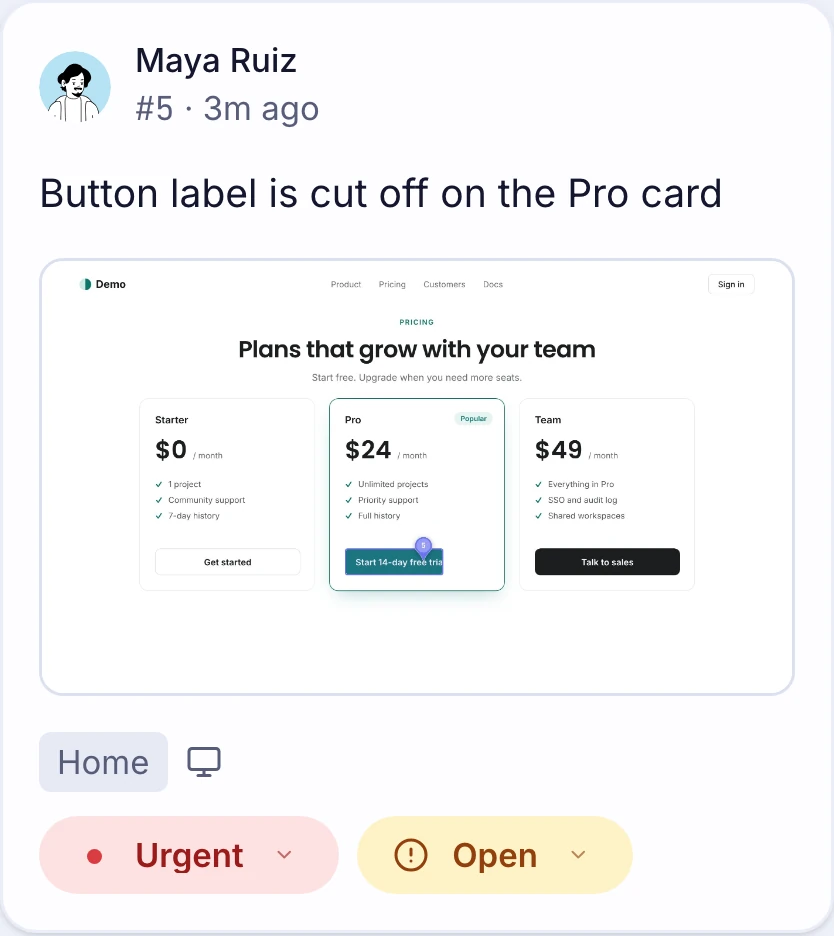
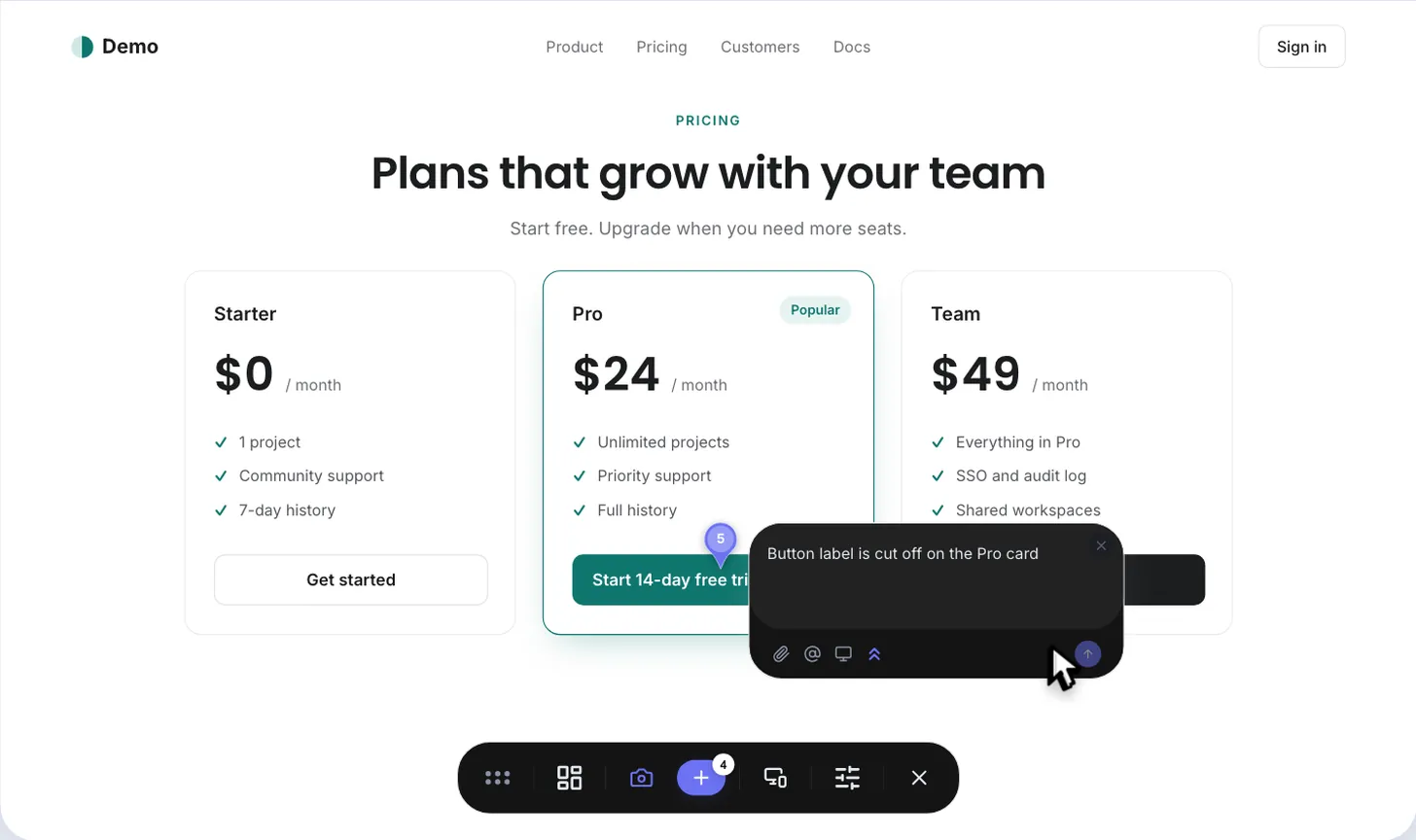
Your client opens it and starts pointing, from a laptop or a phone. No name, no email, nothing to fill in.
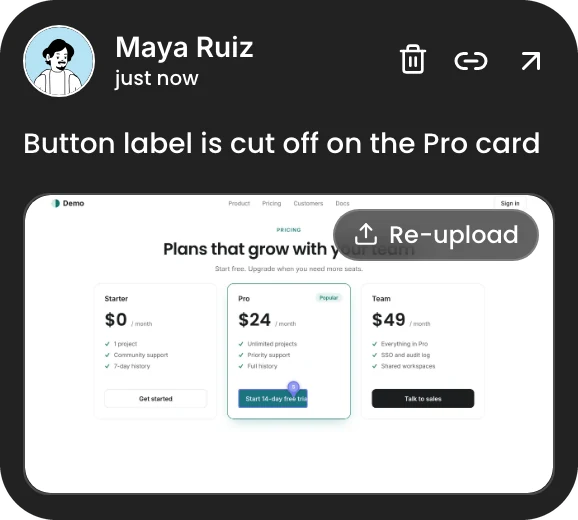
 Maya RuizClient · online
You send one link, by email, Slack or WhatsApp. That is the whole invite.
Comment here…
They click anything on the page and say what’s wrong. No name, no email: they show up as Anonymous Otter.
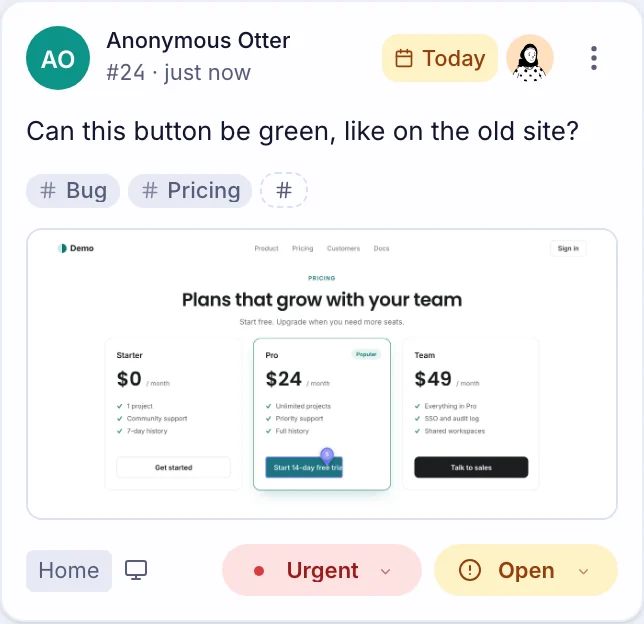
Every pin lands as a card with its screenshot. If they log in later, their pins come with them.
Works with
Built on Webflow, WordPress or your own code? If you can add a little code to your site, ReviewMySites runs on it. Each project gets its own install steps in your dashboard.
Builders and frameworks alike. Static HTML too.
For your developer
You never have to ask “which browser?” again.
One board
Every pin lands as a card. Give it an owner and a due date, tag it, drag it to Resolved. Your client is told when it moves. Filter by page, person, priority, assignee, due date or tag. This one is live: the comments you leave on this page are on it.
One owner, one day
Give every comment an owner, a day and a label, from the board or straight from the pin on your site. Late ones turn red, and whoever you assign hears about it.
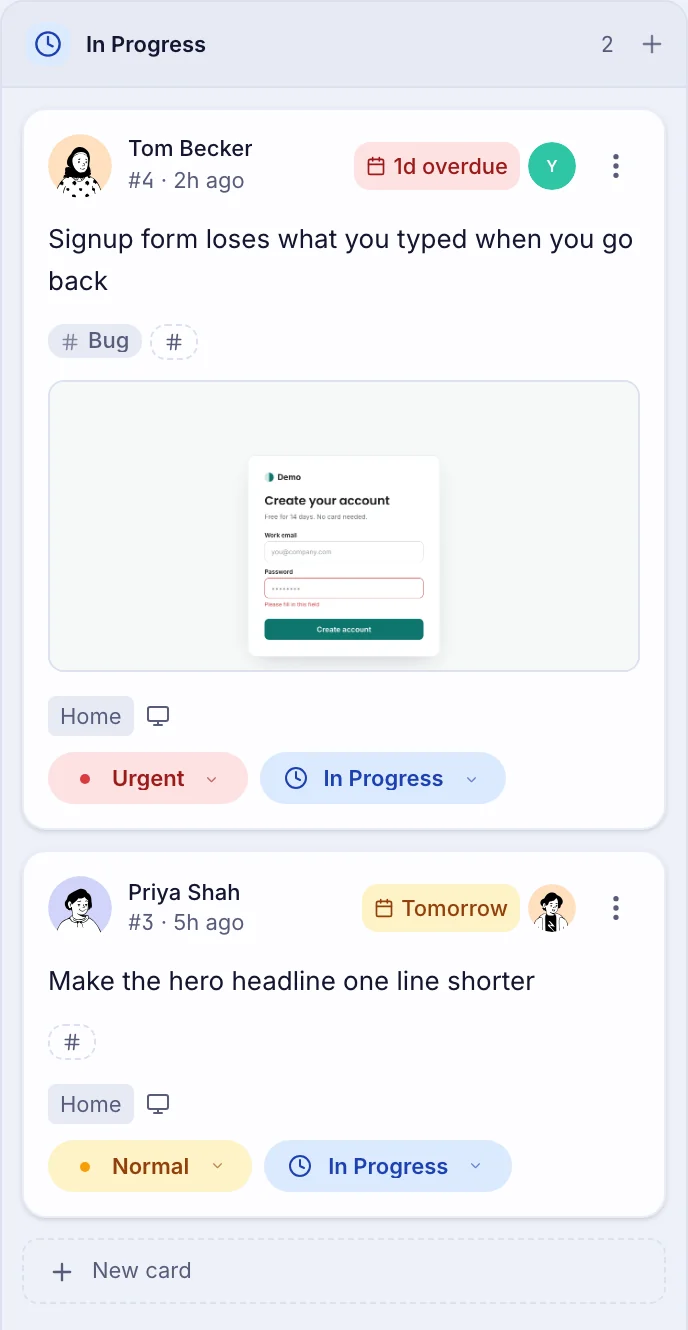
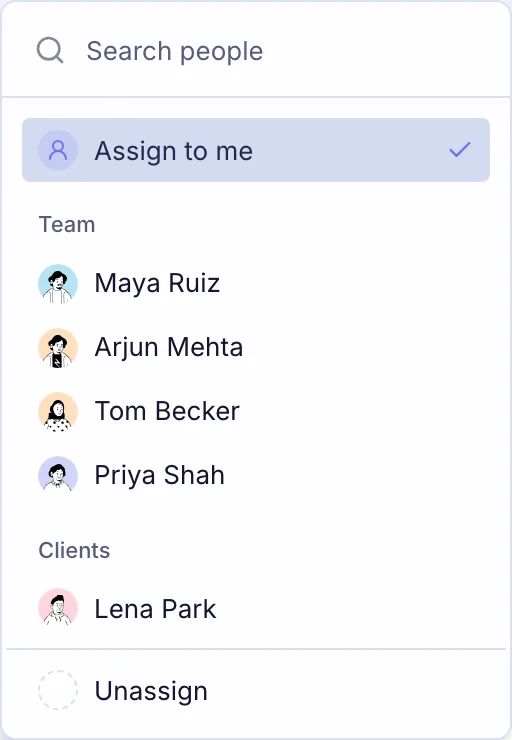
One conversation
Replies, @mentions and reactions live on the card, with every status change, assignment and due date in the same thread. Connected to Slack? The card and its replies show up there too.
Where your team already talks
Connect a project to Slack, Microsoft Teams, Google Chat or Discord. Each comment arrives as a card with its screenshot, page and assignee, and the team can pick it up without opening anything.
Free on every plan
ReviewMySitesAPP
#32 New comment on Acme website
The “Start 14-day trial” label is cut off on the Pro card. It wraps onto two lines on my laptop.
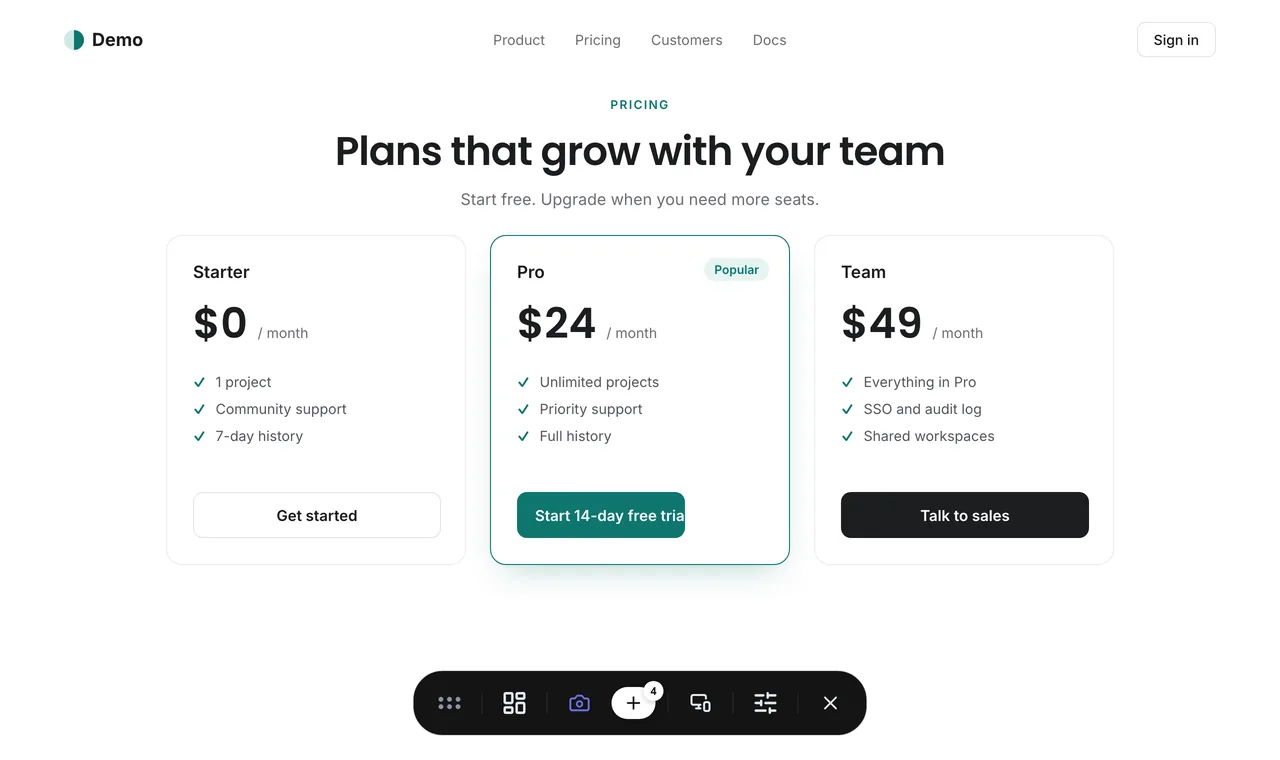
 2 repliesLast reply 2 min ago
Pricing
$0forever
Prove it on one real project.You and 2 clients, 100 comments to try it on.
$36/mo, billed yearly
Studio · 5 seats · $45 if you pay monthly · extra seats $4Prices in USD, before tax. The plan picks itself: Studio at 5 seats, Agency at 15. Always cheaper than adding seats. Compare every plan →
No. The snippet loads in the background, and the review bar only starts when someone opens a review link. Regular visitors never see it.
They follow. Each pin remembers its element by more than its position, so it stays put when your layout changes. If the element is gone, the pin moves to the nearest parent and is marked approximate. It never lands confidently on the wrong thing.
Yes. If you can add a little code to your site, it runs there: Webflow, WordPress, Framer, Shopify, or your own code. Each project shows its own install steps in your dashboard.
No. Set the share link to Commenter and they comment straight away, with no name and no email: they show up as Anonymous Otter, or another animal. If they log in later, their pins come with them. Clients you invite by email sign in once.
No. A share link opens one project, and a client you add only sees the projects you give them. Your team’s internals, like the browser logs and the member list, stay with your team.
Yes, on every plan. Connect a project to Slack, Microsoft Teams, Google Chat or Discord in Project settings, and each comment arrives as a card with its screenshot. In Slack, replies go in its thread.
No, and your client never does. Install it if you want screenshots taken without the browser asking to share your screen.
Nothing breaks. Free comes with 100 comments, and they stay readable. Upgrade when you need more. Screenshots on Free are kept for 30 days.
Your client pins the problem. You get the screenshot, the page and the browser, ready to fix.
Free for your first project. No card.